Starting and Closing Innovator
You can start the Innovator interface via the Innovator <Version> program group. It has a start page where you can log-in to models and enables models to be edited.
Starting the Innovator Interface
A license server needs to be running to be able to start the Innovator interface. This is automatically started, if applicable (Personal edition). The license server runs centrally and manages all Innovator licenses.
A repository needs to be running if a model is to be edited. This is also automatically started, if applicable (Personal edition).
Start the  Innovator interface in the Innovator <Version> program group (innovator.exe).
 Choose Edition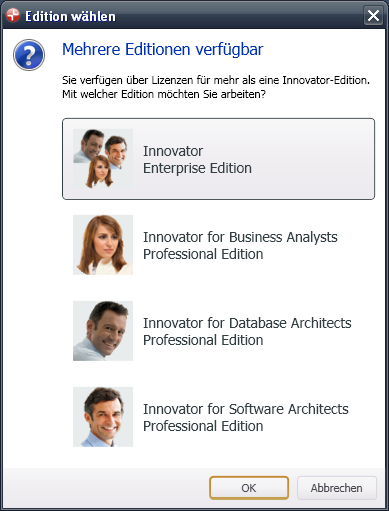
Using the Start Page
The Innovator interface opens at the start page and allows you to edit models.
The start page has the option of opening recently-used models in the Most Recently Used Models section, logging-in to another model or creating a new model.
You can find this command and others in the application menu.
 License Server (inolsrv.exe)
 Repository Server (inosrv.exe)
Closing Innovator
Click'Innovator' Button>Exit Innovator to exit Innovator or click on the Exit system icon.